OllamaCord in action
Useful AI conversations, right inside Discord.
From the first launch to everyday questions, OllamaCord keeps the experience simple while letting you choose the Ollama model behind it.
Launch it, choose a provider, and get connected.
On first launch, OllamaCord walks you through Cloud or Local Ollama, your Discord bot token, and model selection. Use the Up and Down arrow keys to move through options, press Enter to select, and right-click to paste text.
- Cloud and local Ollama options
- Simple arrow-key navigation
- Hidden credential input in supported terminals
- Clear success and error messages
Cross-platform
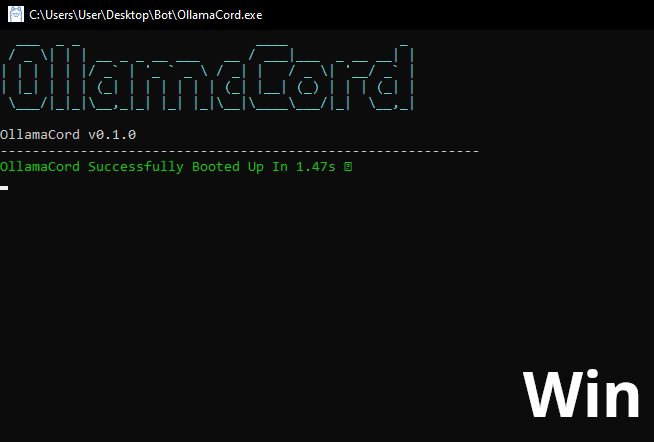
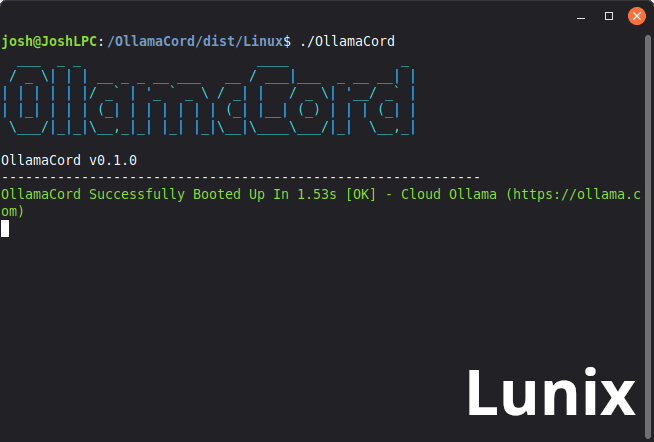
Built for Windows and Linux.
The same small Rust bot, ready to run on either platform with a clean console status once everything is connected.
Talk naturally
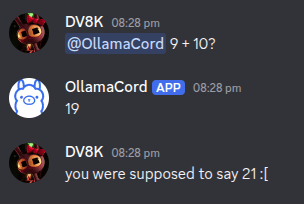
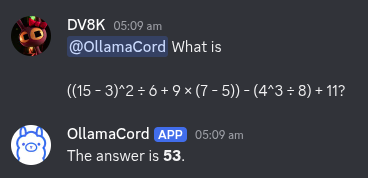
Mention it and ask.
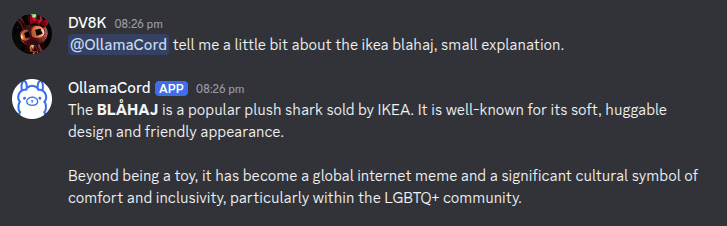
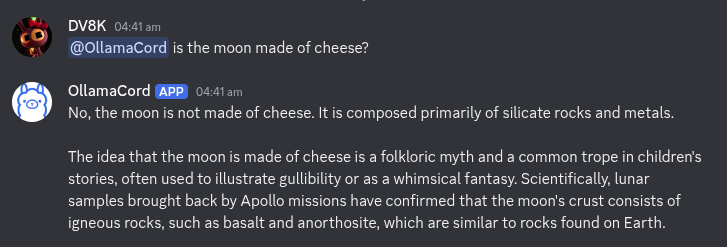
OllamaCord responds to mentions, direct messages, and /ask. Short questions can stay short, while useful explanations have room to breathe.
Screenshots shown using Gemma4:31b-cloud

Early build
Ready to try OllamaCord?
Download a build or follow the project as it grows on GitHub.
 GitHub